propIQ+prop trendsNFL
129 sites:115 live
propIQ+


How propIQ+ works
Step 1 of 7
Find a player
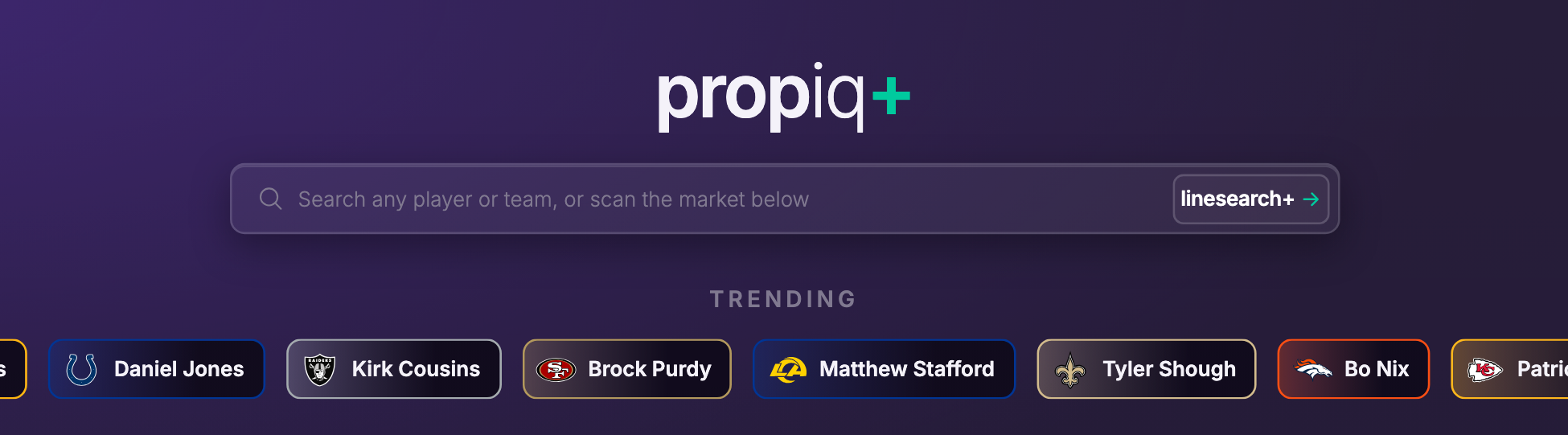
- Search any player or team.
- Or tap a trending player to open him.
- linesearch+ takes you to the full market board.
Step 2 of 7
Pick a market
QB example · Jared Goff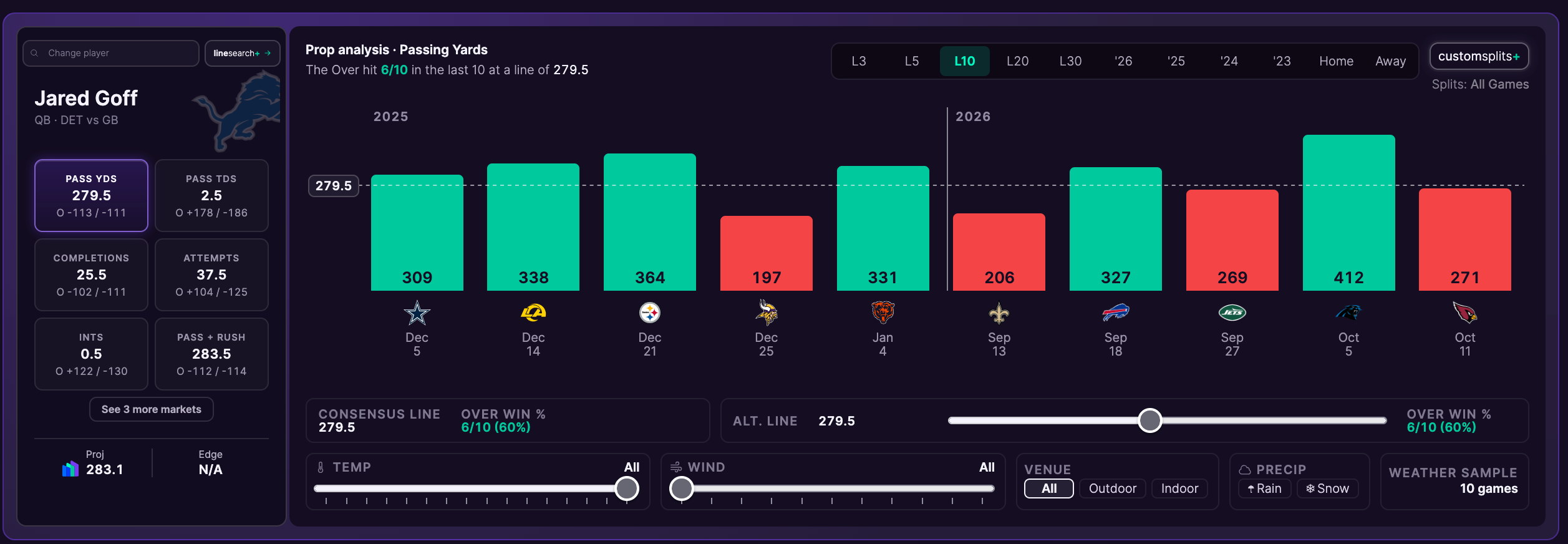
- Each tile is one of his markets with its line and odds. Tap one to load it.
- Our projection and edge for that market.
- The chart switches to the market you picked.
Step 3 of 7
Read the trend
QB example · Jared Goff, passing yards- Pick the window: L3 to L30, a season, home or away.
- How often the over hit in that window.
- The line against every game. Green is over, red is under. Every player and market reads the same way.
- Slide to any alt line to see its hit rate.
- Filter by temp, wind, venue (outdoor or dome), rain or snow.
Step 4 of 7
Stack splits
WR example · Puka Nacua, receiving yards
- Open customsplits+. Shown on a WR here; works the same for every position.
- Stack as many splits as you want.
- Your active splits show here and the chart reruns.
Step 5 of 7
Check the matchup
QB example · Jared Goff vs Green Bay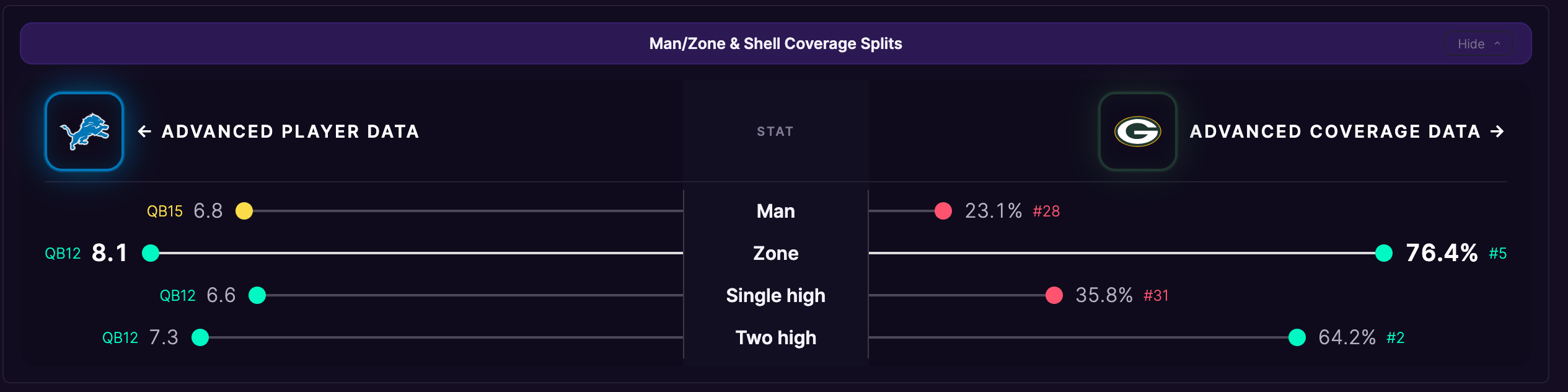
- His production vs each coverage, with his QB rank. WRs show the same view, ranked among WRs.
- Man, zone, single high, two high.
- How often this defense plays each, with its rank.
- Tap his logo for advanced player data. For a WR, that opens the card in the next step.
- Tap their logo for advanced coverage data.
Step 6 of 7
Advanced player data
WR example · Puka Nacua vs Las Vegas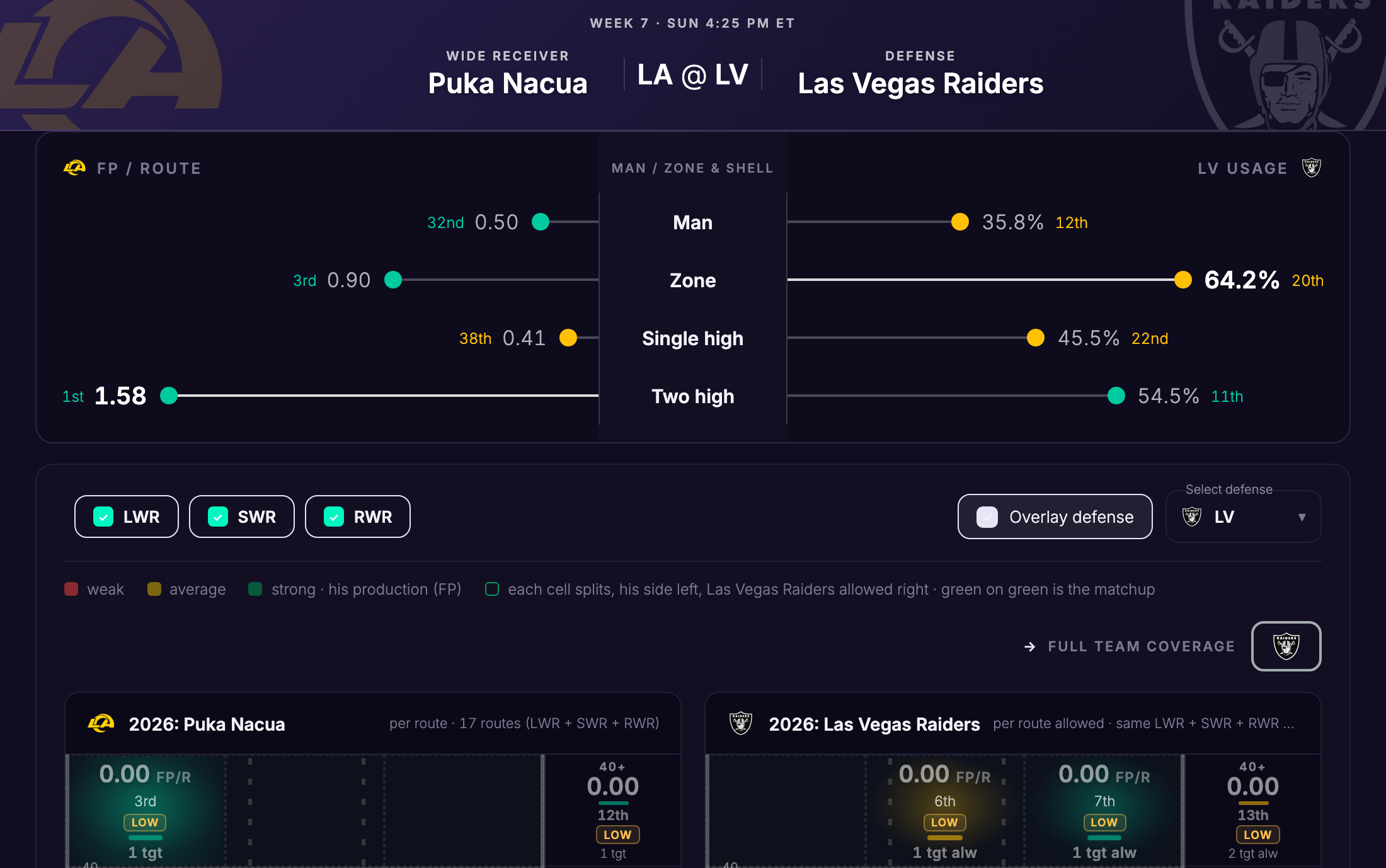
- A WR card: Puka Nacua vs the Raiders.
- His FP per route vs each coverage, next to how often this defense plays it.
- Pick alignments and overlay the defense.
- WR heat map: his FP per route by field zone, next to what this defense allows.
Step 7 of 7
Opponent coverage data
Defense example · Green Bay, Goff’s opponent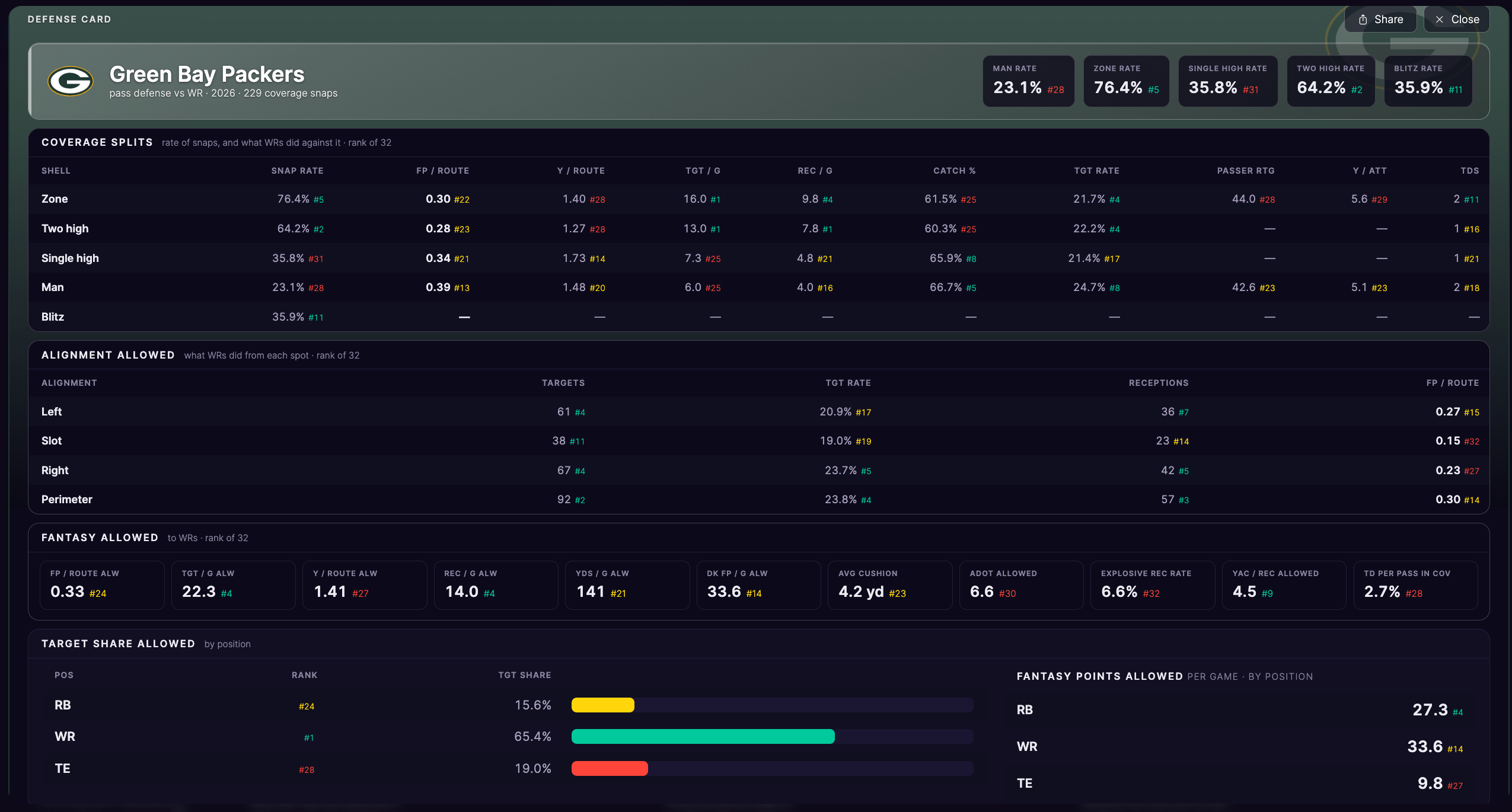
- Green Bay, the defense Goff faces in step 5. Their season rate for each shell, with rank.
- Rates and production allowed vs each shell.
- What WRs do against them from each spot.
- Fantasy points allowed, with ranks.
- Target share and fantasy points allowed by position.
Step 1 of 2
Find a player
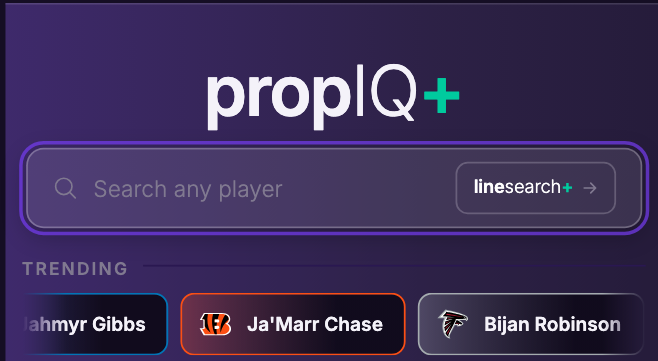
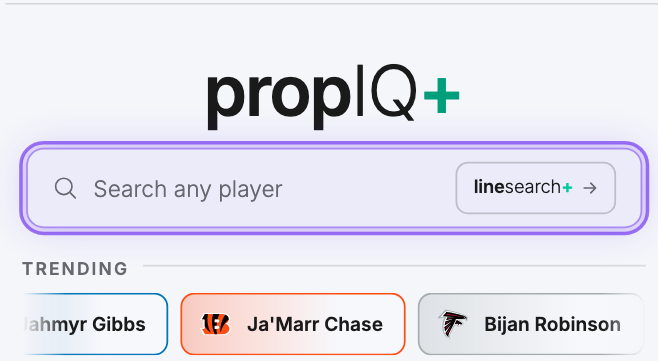
- Search any player or team.
- Or tap a trending player to open him.
- linesearch+ takes you to the full market board.
Step 2 of 2
Pick a market
RB example · Bijan Robinson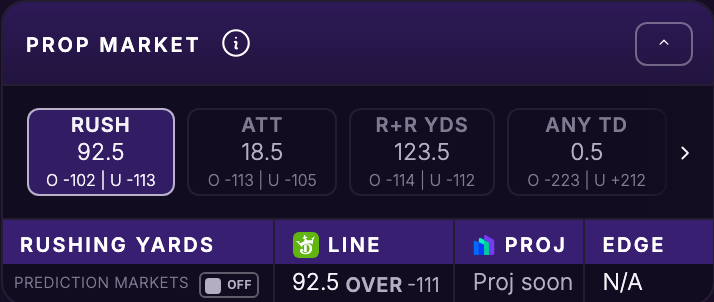
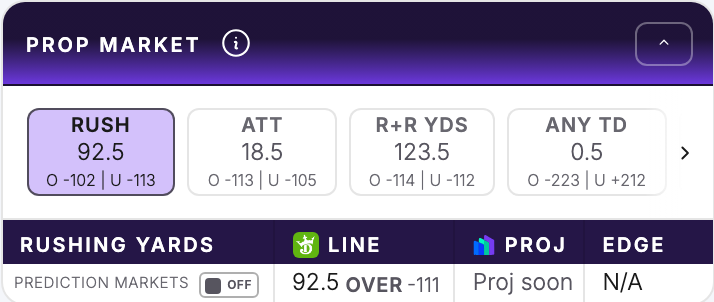
- Each chip is one of his markets with its line. Tap one to load it.
- The line, our projection and the edge for that market.
- Swipe or tap › for the rest of his markets. The chart below switches to the market you pick.